01
Routine anomaly
The action was missed.
You usually switch the kitchen light off around 19:15. The window passed, and it is still on.
Live in silent validation

Two learning loops turn ordinary device events into a home that understands its rhythms—then explains the exceptions and asks before it acts.
Most “learning homes” watch transitions and stop there. Living Intelligence keeps both: what the family usually does, and what the whole home usually looks like at that moment.
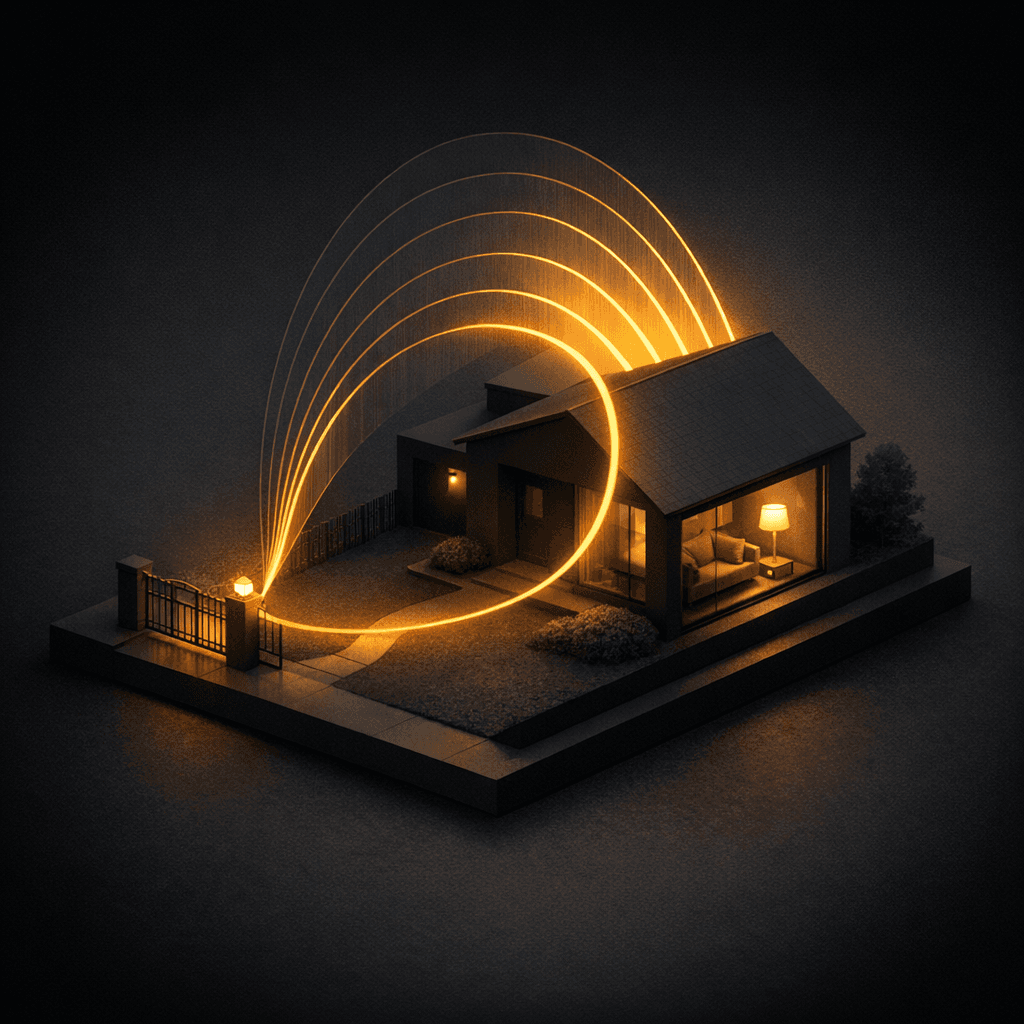
The same device. The same action. The same part of the day. Once a routine repeats across enough distinct days, Living Intelligence can recognise the habit—and notice when it is missing.
“The porch light usually turns on near sunset. Tonight, it did not.”
You usually switch the kitchen light off around 19:15. The window passed, and it is still on.
At 22:30 the hall is normally dark. Tonight its state does not match the home’s learned portrait.
A pump runs longer than its normal range, or a sensor repeatedly stops answering. This belongs to the self-healing layer.
True routines tied to a time: study light at eight, gate at seven.
Porch and landscape lighting that follows dusk, even as seasons shift.
Devices that move together become one meaningful scene—not six noisy cards.
Weekday and weekend routines stay separate when the family lives differently.
A habit can belong only to “someone home” or only to an empty house.
Recurring AC temperatures, brightness levels and fan speeds are learned too.
Confidence alone is never permission. Every suggestion should explain what repeated, when it happened and which context mattered—then wait for an explicit choice.
Keep the evening arrival scene?
On eight recent evenings, the porch light warmed and the gate closed within the same 17-minute window while someone was home.
We separate what is running, what is being validated and what comes next. A roadmap should never be dressed up as a feature already in your home.
Home-only collection, pattern mining, 15-minute snapshots and the watcher are running in validation. No customer notification. No automatic change.
Missed-habit and state-mismatch quality are reviewed before anything is allowed to reach a family.
Suggestions, evidence, remind-only, dismiss and explicit apply—one calm decision surface for every learned pattern.
Usually 7 to 14 days of clean observation. A habit must repeat across enough distinct days before it becomes a candidate. The home is allowed to conclude that there is no useful pattern and stay silent.
Method A learns repeated actions, such as turning a light off around the same time, and can flag a missed habit. Method B captures device states every 15 minutes, learns the expected portrait for each time slot, and can flag a state mismatch such as a hall light that is usually off but remains on.
No. The product is designed around a small weekly attention budget, currently capped at two new suggestions. Dismissed suggestions are recorded and are never applied. Silence is a valid and preferred result when confidence is weak.
No. Living Intelligence is suggest-first. Pattern confidence is evidence, not permission. A learned pattern can become an automation only after explicit approval through the product apply flow.
Device events and device states: which switch changed, when it changed, and what controllable devices looked like at each 15-minute slot. Routine learning does not need camera footage or microphone content, and the pattern path is designed to run on the Living Home hub.
The engine is live in a silent validation pilot: home-only collection, pattern mining, 15-minute snapshots and anomaly watching are running without customer notifications or automatic changes. The customer approval experience is the next rollout stage.
See the Living Intelligence layer inside an Onwords home—and the infrastructure that lets it keep learning after handover.