Your home, in three taps.
Every transition, every haptic, designed in-house for Indian families. The whole home, always within reach.
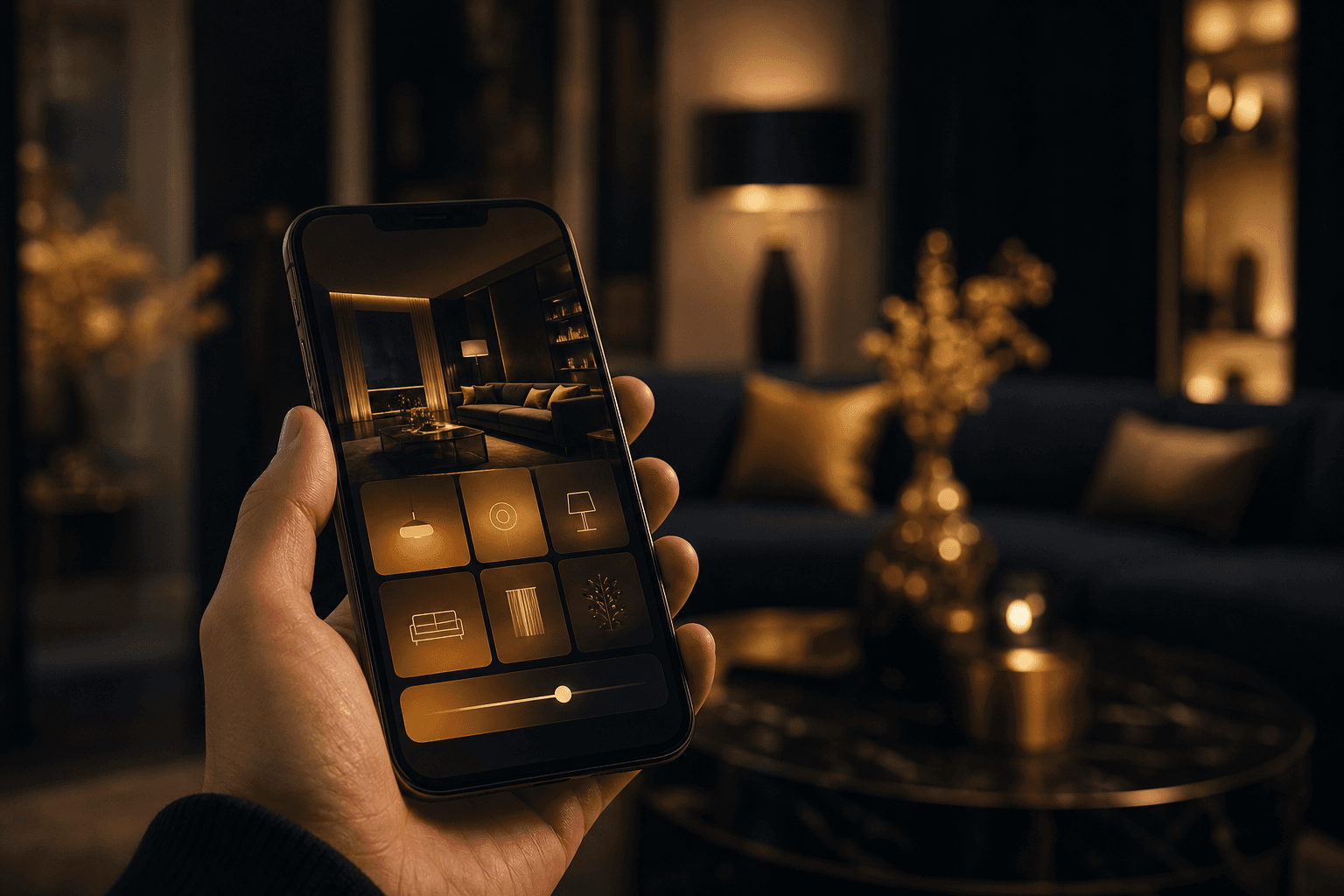
We did not licence someone else’s app and paint it gold. We built our own, for the homes we build.
Every screen, every animation, every haptic tap is considered, and tuned for how families here actually live. It is the app we would want in our own homes.
A home should not need a systems administrator.
This is how most smart homes actually run: one app for the cameras, one for the gate, one for the lights, one for the AC. Four logins, four interfaces, four ideas of what your house is called. One person in the family holds all the passwords, and when they travel, the home quietly stops being smart.
The test of a home app is not the feature list. It is whether your parents can turn on a light without calling you, whether a guest can be trusted with a door but not the whole house, and whether the thing you do every day takes a moment instead of a menu.
One home deserves one app. Preferably a good one.
Designed around four promises.
Built in-house since 2019, for the families living in 400+ Onwords smart homes.
Set up before you move in
Our engineers configure the app at handover, not you. Every room is created, every device is placed in it, and each family member gets their own account with sensible permissions. You open the app for the first time and it already speaks your house fluently.
Three taps to anything
The whole interface is built against one rule: nothing in the home is more than three taps from picking up the phone, and the things you touch daily are closer. That rule decides the layout, the ordering, even which animations are allowed to spend your time.
Access that expires on its own
Staff and guests get scoped access with an expiry: these rooms, these devices, until this time. The cook can reach the kitchen and one entrance until evening, and at the set hour the access simply ends. Trust is granted precisely, and never has to be remembered back.
It grows with the home
New devices are commissioned onto the hub and appear in the same app, in the right room, named in your words. Iniyal chat is live inside it today, and the deeper intelligence around her is rolling out across Living Homes as software. The app you get keeps getting better.
Home-screen widgets
The scenes you use most, one tap from your home screen. No app to open.
Apple Action Button
Map your favourite scene to the Action Button. A single press, from your pocket.
Lock-screen toggles
Gate, porch light, the front door. Reachable without ever unlocking the phone.
Guest access
Give family and staff exactly what they need, for exactly as long as they need it.
Scenes
Morning, movie, away, goodnight. The whole home shifts mood on a single tap.
Iniyal chat
Ask in plain words. Iniyal sets the scene, explains a device, or recounts the night.
Not just installed. Set up.
An app is only as good as its first week in a family’s hands. So we do the first week’s work before you arrive.
An account for everyone
Each family member gets their own login and their own view of the home, set up with them at handover. No shared password taped to the fridge.
Named in your words
Rooms and devices carry the names your family actually uses. The app says what you say, not what the wiring diagram said.
Scenes authored with you
Morning, away, movie, goodnight: written together at handover, then refined after your first week of living with them.
Guest access, ready to grant
Templates for the cook, the driver, the weekend guest, each scoped to rooms and hours with expiry built in. Granting access takes seconds.
Local control via the hub
At home, the app rides your own network to the hub. Daily control does not depend on a distant server having a good day.
The same team afterwards
The people who built your home answer for the app too. One number to call, whether the question is a switch, a scene or a screen.
Built for iPhone and Android.
The Onwords app ships with every home we build, set up for your family on day one. It runs on iPhone and Android alike, so everyone controls the home from the phone they already carry.
An evening, three taps at a time.
17:55The cook arrives. Her access began at five: the kitchen, the service entrance, nothing else, until eight tonight. You granted it this morning in the time it took the kettle to boil.
18:40Driving home, you press the Action Button without taking the phone out of your pocket. The arrival scene runs: the gate starts to slide, the porch warms, the hallway lifts to evening light.
20:00The cook’s access lapses, on its own, exactly as set. Nobody remembered to revoke it because nobody had to. That is the whole design.
21:15Movie time. One tap on the home-screen widget, no app opened, and the living room rearranges itself around the film.
23:05In bed, you ask Iniyal whether everything is closed. She confirms the gate, the doors, the geyser. The porch light goes out from the lock screen, and the phone lands on the nightstand.
The app is the handle. These are the machine.
Three taps only feel like magic because of what stands behind them.
Asked, answered.
01Does the app work without internet?
At home, yes. The app talks to the hub over your home network, so switching lights, running scenes and opening the gate keep working when the broadband is down. Internet is needed only when you are away from the house and want to reach it remotely from the same app.
02Can I give the cook or a guest access?
Yes, and with an expiry. Guest access grants exactly the rooms and devices a person needs, for exactly as long as they need them: the kitchen and one entrance until 8pm, for example. When the time lapses, access ends on its own. Nobody has to remember to revoke anything.
03What does three taps actually mean?
It is a design rule: from picking up your phone, anything in the home is at most three taps away, and the things you do daily are closer. Widgets put scenes on the home screen, lock-screen toggles carry the gate and porch light, and the Apple Action Button fires a scene from your pocket.
04Is Iniyal chat available today?
Yes. Iniyal chat is live inside the Onwords app now. You can ask her to set a scene, explain why a device did something, or recount what happened overnight. The deeper intelligence around her, pattern learning and anomaly detection, is rolling out across Living Homes in stages.
05Which phones does it support, and how do we get it?
iPhone and Android alike, and it ships with every Onwords home. We will not quote you star ratings or download counts; the honest claim is simpler. Every family in an Onwords home runs their house through this app, and we set it up for each of them at handover, personally.
06What happens when we add devices later?
They join the same app. New switches, sensors, curtains or cameras are commissioned onto the hub by our team and appear in the room they belong to, named in your words. There is no second app to install and no new login for the family to learn.
One app for the whole home.
Gate, lights, climate, cameras, scenes and Iniyal, all in one place, all three taps away.
Bring it home