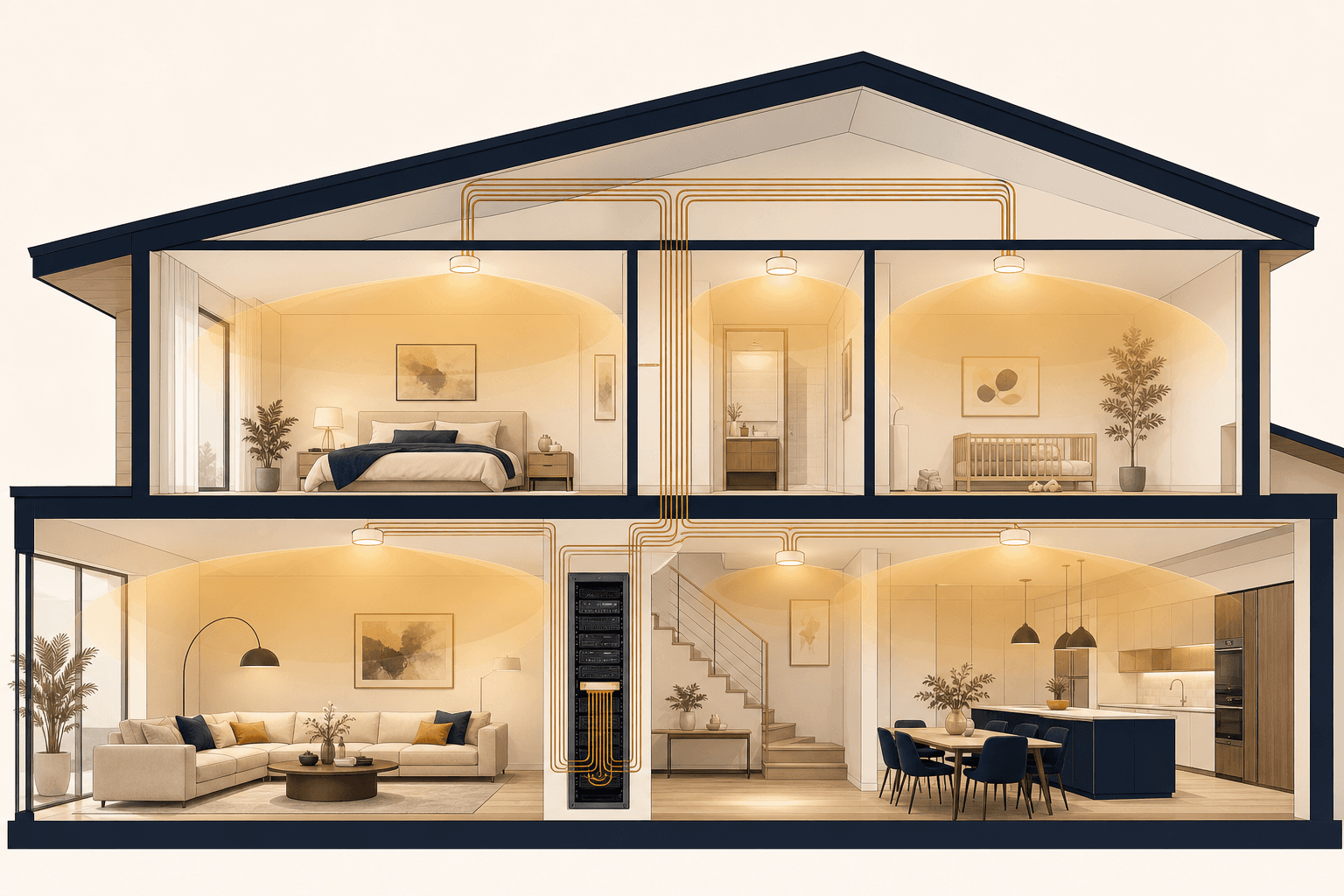
The invisible backbone.
A smart home is only as strong as the network beneath it. Enterprise-grade WiFi and a wired backbone, engineered into the build. Every corner covered, every device answered, zero dead zones.
Cameras stutter, voice lags, scenes miss. Nine times in ten, it is the network, not the gadget.
One router by the front door was never a plan.
Most homes run on whatever box the ISP left behind, parked in a shoe cabinet near the entrance because that is where the line came in. Full bars beside it, one bar in the master bedroom, a prayer on the stairs. Then the home gets smarter, and every new switch, sensor, camera and speaker joins the same overworked box. Nobody designed this. It just accumulated.
Signal bars are not coverage. Coverage is designed.
Surveyed, designed, built, watched.
The same discipline on every build since 2019, from apartments to farmhouses, across Coimbatore, Chennai, Bengaluru and Hyderabad.
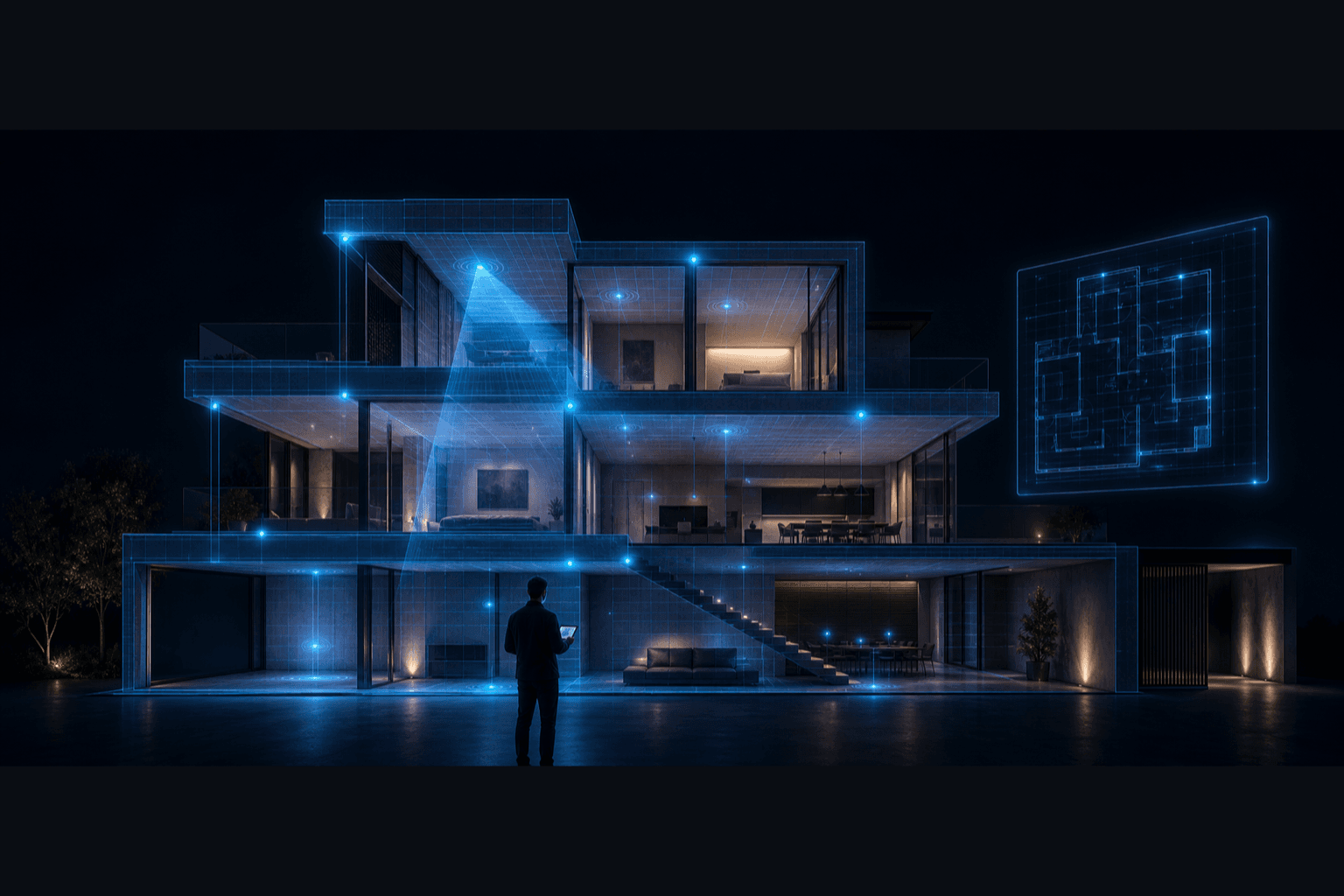
Survey
We walk the property before we quote it. Wall materials, floor slabs, glass, the metal that eats signal, where the line enters and where life actually happens. No number is promised before the walk.
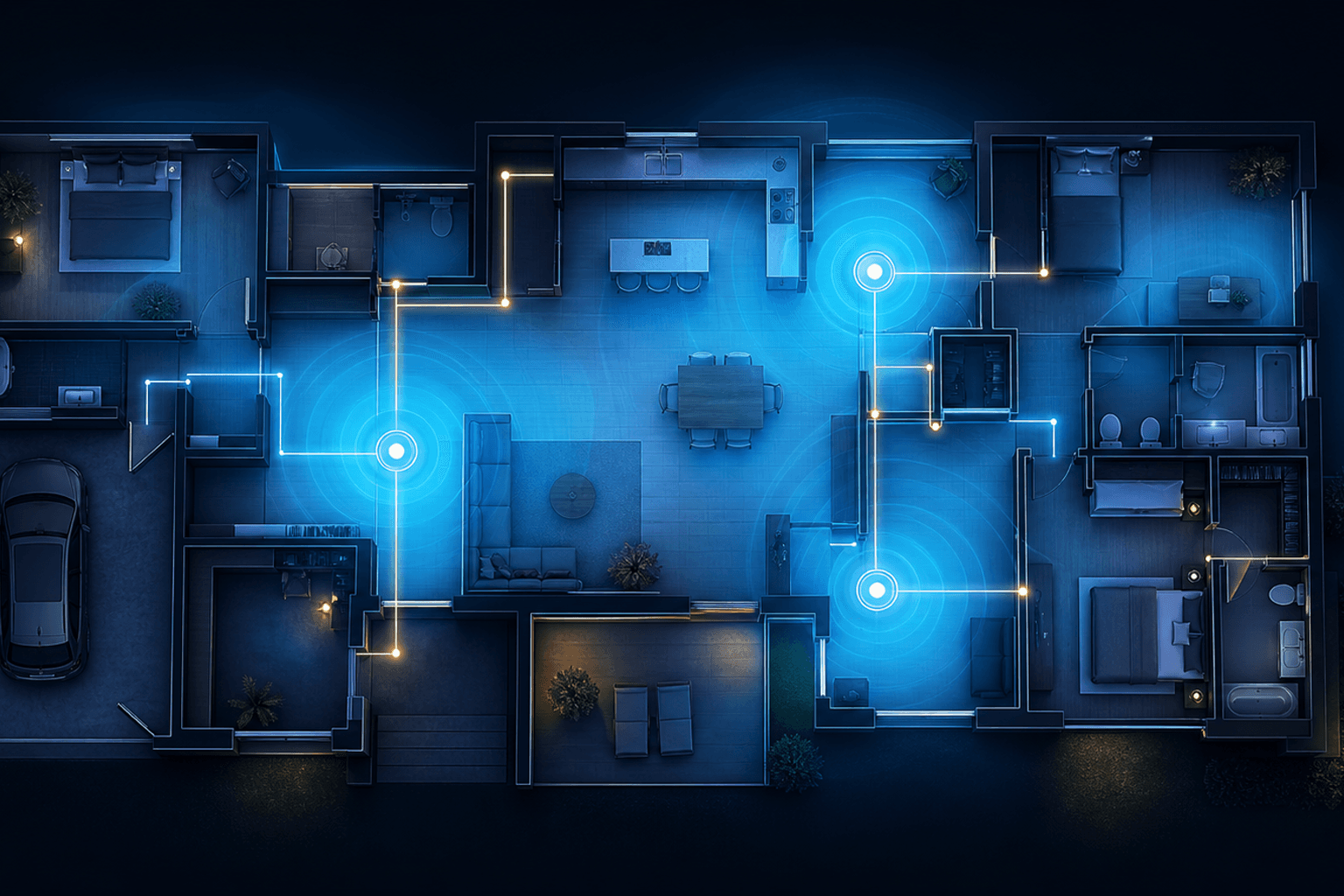
Design
Coverage is drawn as a heat map over your actual plan: access point positions, channel plan, and the wired paths behind them. Every room is modelled, balcony and stairwell included, before anything is bought.
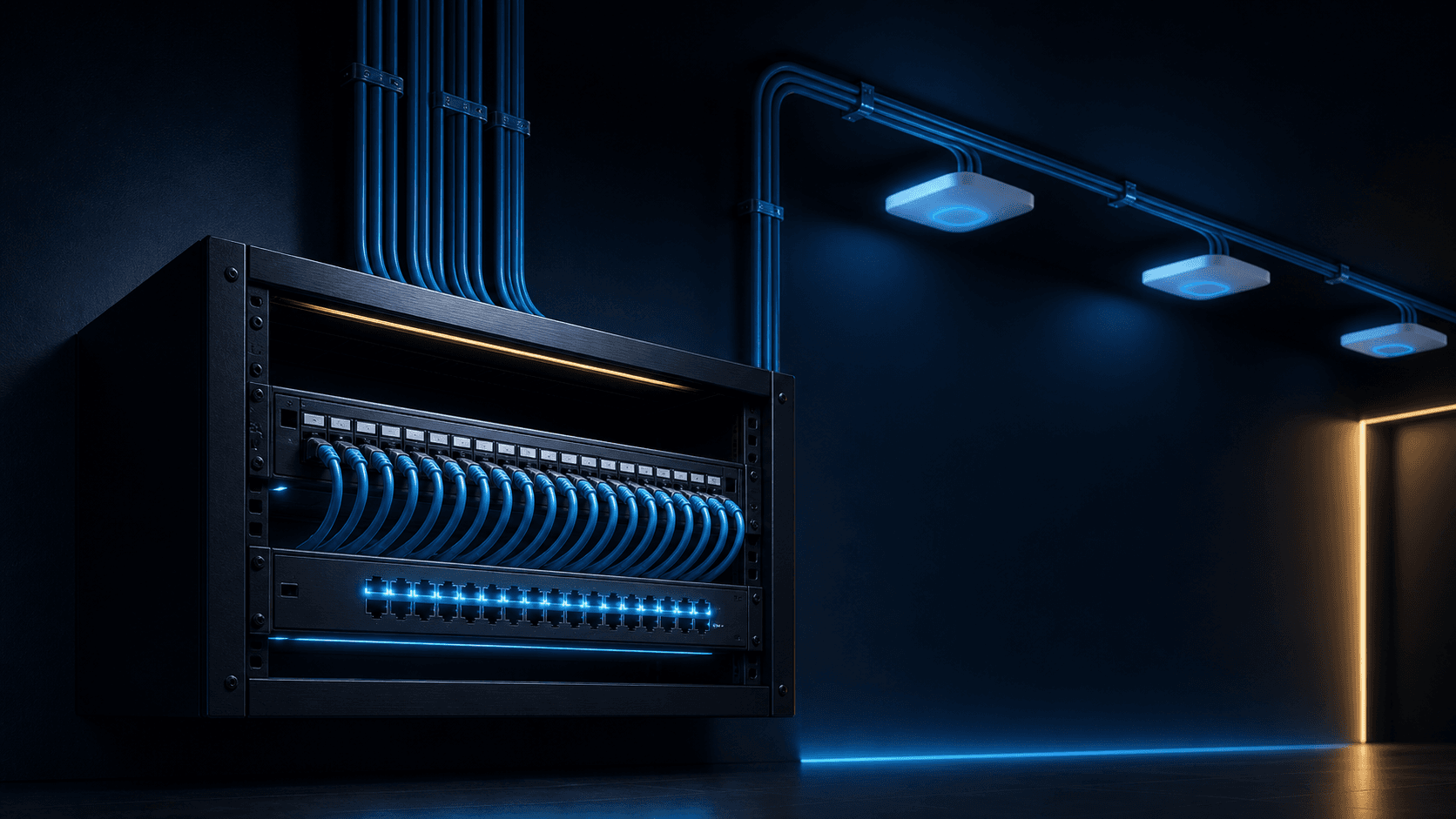
Build
A Cat6A backbone goes into conduit, to every access point and every device that can take a cable. It all lands in one rack with a labelled patch panel, so the install reads like a document, not a puzzle.

Watch
One network name, seamless handoff, and a network that reports its own health to the team that built it. A weakening link is found in monitoring before you ever feel it in a call.
What we engineer.
Six disciplines behind a home network you never have to think about.
Site survey
We walk the property before we quote it. Walls, floors, materials, dead spots.
Heat-map design
Coverage is planned on a map, not guessed on site. Every room modelled.
Wired backbone
Cat6A runs to every access point and every device that can be wired, is.
Enterprise mesh
Business-grade WiFi that hands your devices off seamlessly, room to room.
One tidy rack
Router, switch, PoE, storage. Labelled, cooled and documented in one place.
Monitored
The network reports its own health, so a weak link is found before you feel it.
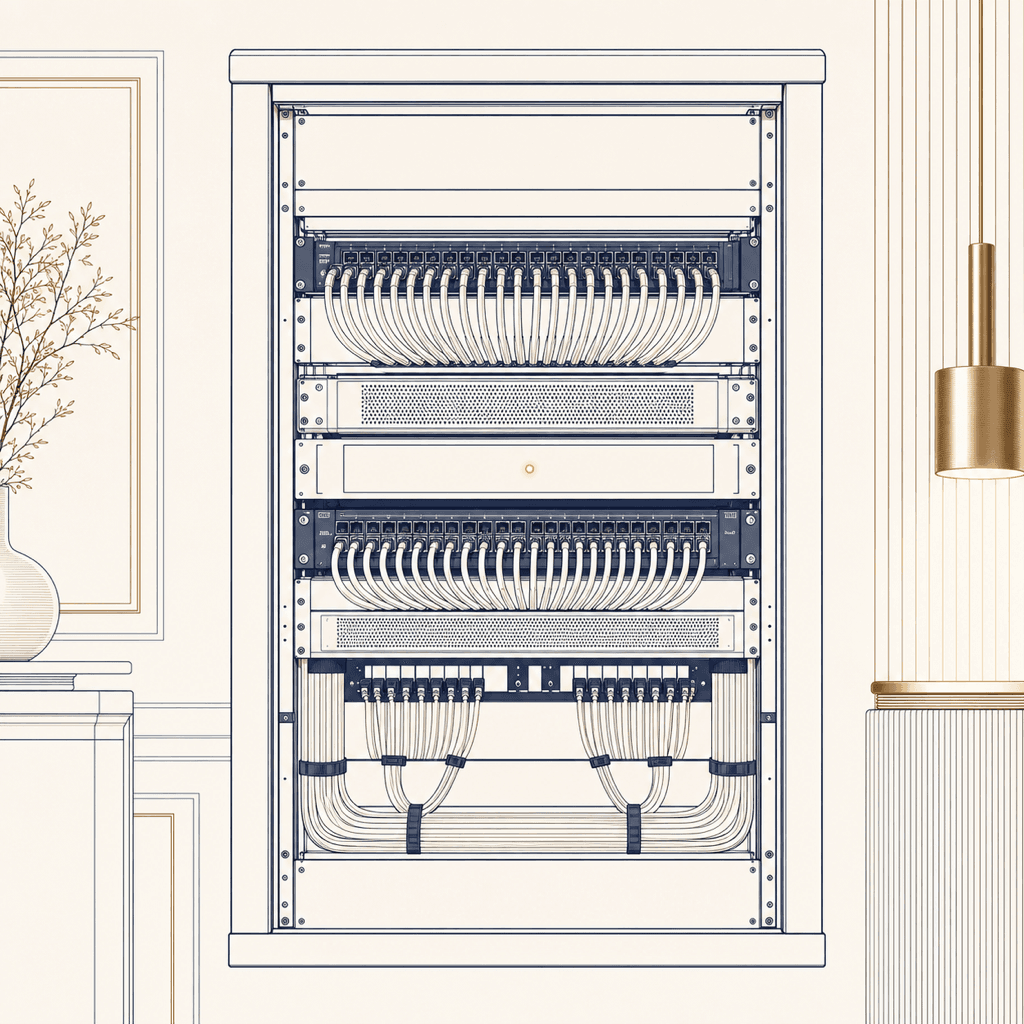
The heart of the home, kept in order.
Everything that keeps the home talking lives in one place: routed, switched, powered over Ethernet, cooled and labelled. When something needs attention, there is no hunting.
Because it is our design and our install, it is our rack to answer for. One team, one backbone, one number to call.
A smart home is a crowd. The network hosts it.
The old measure of a home network was one question: does the WiFi reach? The real question in an automated home is different: how many conversations can it hold at once? Every switch reports, every sensor whispers, every camera streams, every speaker waits for its cue.
A fully automated home easily carries dozens of always-on devices, and each one expects an instant answer. That is why gear quality decides whether the home feels instant or feels haunted. It is also why we specify enterprise equipment and refuse to guess.
What a designed network feels like.
19:04A video call starts in the study, walks down the stairs to answer the doorbell, and ends on the terrace. Three access points handled it, one network name, zero seams. The person on the other end never knew you moved.
20:30A movie upstairs, cricket downstairs, cameras recording all the while, and the gate announcing a delivery. Nothing buffers, because none of it is fighting for one exhausted box by the front door.
22:45Dozens of quiet devices check in through the night: sensors, switches, speakers. The rack hums at a fraction of its capacity. Headroom is not luxury, it is the design.
03:12An access point on the terrace floor starts misbehaving. Monitoring flags it to the team that built the network. It is handled before anyone in the house wakes, which is exactly the point.
The backbone carries all of it.
Everything intelligent in the home rides on this layer. Start here, then build up.
Asked, answered.
01Do you survey before you quote?
Yes, always. We walk the property before a number goes on paper: wall materials, floor slabs, where the ISP line enters, where you actually sit, sleep and work. Coverage is then designed on a heat map of your plan. The quote follows the design, never the other way around.
02Why is the router from my ISP not enough?
That box was built for a phone, a laptop and a TV sitting nearby. A fully automated home easily carries dozens of always-on devices: switches, sensors, cameras, speakers, the gate. It is the number of simultaneous conversations, not headline speed, that overwhelms consumer gear. Enterprise equipment is engineered to answer them all at once.
03Will I see multiple WiFi names around the house?
No. One network name across the whole property. Enterprise mesh hands your phone from access point to access point as you walk, silently. A video call started in the study survives the stairs and ends on the terrace without a stutter, and you never think about which access point you are on.
04Is the backbone wireless too?
No. Every access point, and every device that can take a cable, is wired on a Cat6A backbone run through conduit. WiFi is reserved for the things that actually move: phones, tablets, laptops. That is what keeps the air clean and the network feeling instant.
05Can you fix an existing home, or only new builds?
Both. New builds get conduit and cable planned into the slab and walls. Existing homes get a survey that tells the truth about what can be wired and what the mesh must carry, and the cleanest cable routes we can find. Either way, the design comes from the heat map, not from habit.
06Who looks after the network once it is installed?
The same team that designed and built it. The network reports its own health, so a weakening link shows up in monitoring before you feel it in a call. One team, one backbone, one number to call. No forwarding you to the ISP, no blaming the gadget.
Build the home on solid ground.
Whether it is a new build or a home that keeps dropping, we will survey it and design the network it deserves.