Retrofitting a Smart Home Into an Existing House, Without Breaking Walls
You do not have to tear up your home to make it smart. Wireless retrofit brings smart lighting, scenes, security and control to an existing house with no breaking of walls and no mess. Most homes can be upgraded room by room in days, not weeks, and you keep the finish you already love.
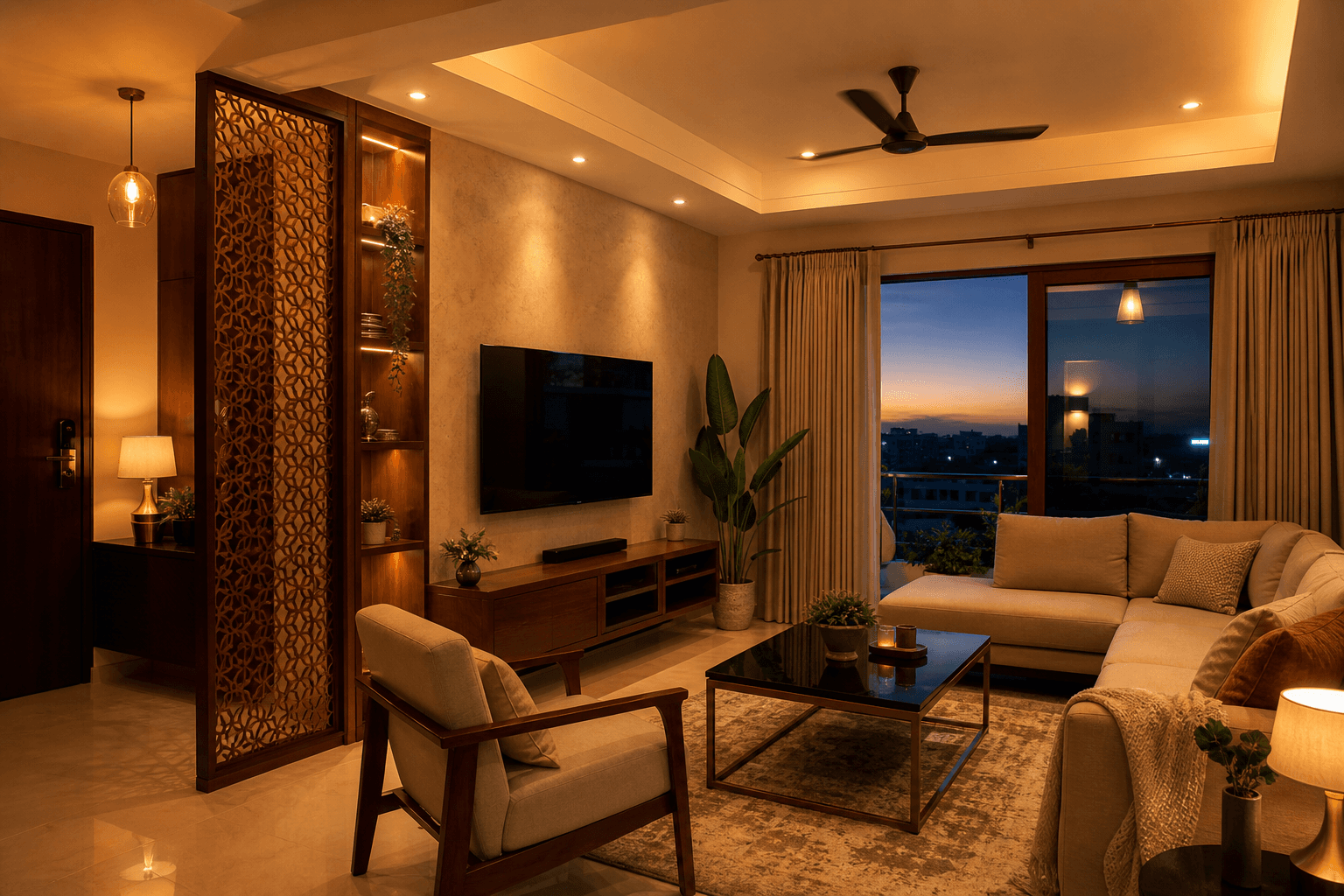
The myth that a smart home needs a renovation
A lot of people put off a smart home for one reason. They picture walls being cut open, dust everywhere, weeks of work, and a house they cannot live in while it happens. So they wait for the next big renovation that never quite comes. That picture is out of date. Making an already finished home smart does not mean tearing it apart. The modern way is wireless retrofit, and it works with the walls, wiring and switches you already have. You do not lose the finish you paid for, and you do not move out for a month. You simply add intelligence on top of the home that is already there.
How wireless retrofit works
The trick is that all the space needed is already hiding behind your switch board. When your house was wired, each switch box was left with a little room behind the plate. A wireless retrofit uses that space. A small smart module goes in behind the switches and connects to the same live and switch wires that are sitting there today. Your ordinary switches keep working exactly as before, by hand, and the module adds app, scene and voice control on top. A single hub, placed somewhere central in the home, talks to every module over wireless. Because everything fits inside boxes that are already in the wall, no channels are cut, nothing is re-plastered, and the plate closes back the same day.
What you can add to an existing home
A retrofit is not a single gadget. It is a proper system, added quietly to the home you already have. Here is what usually goes in, and all of it lives together on one app so you are not juggling a different remote for every thing.
Lighting and scenes
Every light on the app, plus one tap scenes like arrival, movie and night.
Fans
Fan on, off and speed from the app, voice or the same switch on the wall.
Curtains
Motorised curtains where a curtain track allows it, set to open with your morning.
Security
Door and motion sensors, smart locks and cameras, watched from your phone.
Voice control
Speak to the home in your own language and it responds and acts.
One app for all of it
Lighting, fans, curtains and security living together on a single system.
Room by room, at your pace
Because nothing has to be torn out, a retrofit does not have to happen all at once. Most homes begin with the rooms that get used the most, the entrance, the living room and the master, then add the rest later on the same system. You can spread it across your budget, one phase at a time, and every phase simply adds to what is already there. There is no wrong order and no point where you have to commit to the whole house before you start.
Same system throughout. Each phase builds on the last, never replaces it.
How a retrofit actually happens
Four steps, in order, and you stay in your home the whole time.
- 01
Walk the house and pick the rooms
We visit your finished home, look at your existing switch boards and curtain tracks, check the WiFi in every room, and agree which rooms to make smart first. You get a clear plan and a cost before any work starts.
- 02
Fit wireless modules behind your existing switches
Our electrician opens each switch board, wires a small smart module to the same wires already in the box, and closes the plate back the same day. A central hub is placed to talk to every module over wireless. No walls are broken and no re-plastering is needed.
- 03
Set up scenes, the app and voice
We connect the modules to one app, build your everyday scenes like arrival, movie and night, and set up voice control in your language. Your ordinary switches keep working by hand, with app, scene and voice control added on top.
- 04
Expand room by room at your pace
Once the first rooms are live, you add curtains, security, cameras and the remaining rooms whenever you are ready, all on the same system. Nothing has to be torn out to grow, so each phase simply builds on what is there.
The honest note: what a retrofit depends on
Wireless retrofit is genuinely powerful, and it is only fair to be straight about what it leans on. Two things are worth knowing before you start.
A wireless system is only as steady as the WiFi it rides on. Weak coverage in far rooms shows up as slow or dropped control. This is fixable, and we check the network first and strengthen it where it is needed, but it is real and we plan for it rather than pretend it does not exist. A local hub keeps your core scenes and switches working even if the internet drops.
We will not tell you that wiring is never needed. A few things, like a permanent camera feed or a heavier whole home setup, still run better on a cable, and a brand new house being built is usually better wired from the start. For an existing, finished home, wireless carries most of the work, and we give you a straight answer on the few parts that do not. If you want the full picture, compare wired versus wireless home automation.
How Onwords retrofits an existing home
We have retrofitted smart control into homes that were finished years ago, from apartments to independent houses, without disturbing the finish the owners loved. We start by walking the house and checking the network, agree the rooms and the cost up front, fit the modules behind your existing switch boards, and set up your scenes, app and voice in your own language. Then we hand it over and stay on for service, so the system keeps working long after the plates close back. You can begin with a couple of rooms and grow from there.
Keep the home you love. Add the intelligence room by room, when it suits you.
If you are weighing up the spend, our guide to smart home automation cost in India walks through what a retrofit typically runs to, and our products show what goes into one.
FAQ
No. You do not need to renovate to get a smart home. Wireless retrofit adds smart lighting, scenes, security and control to a house that is already built and finished, with no civil work and no breaking of walls. Most homes are upgraded room by room in days, not weeks, and you keep the finish you already have.