Home Theatre Automation: One Touch to the Perfect Movie Night
The perfect movie night should not need six remotes and a fight with the lights. In an automated home theatre, one touch does all of it. The lights fade, the curtains close, the screen comes down and the sound settles into place, and you are watching within seconds. That is what turns a room with a big screen into a proper home cinema.
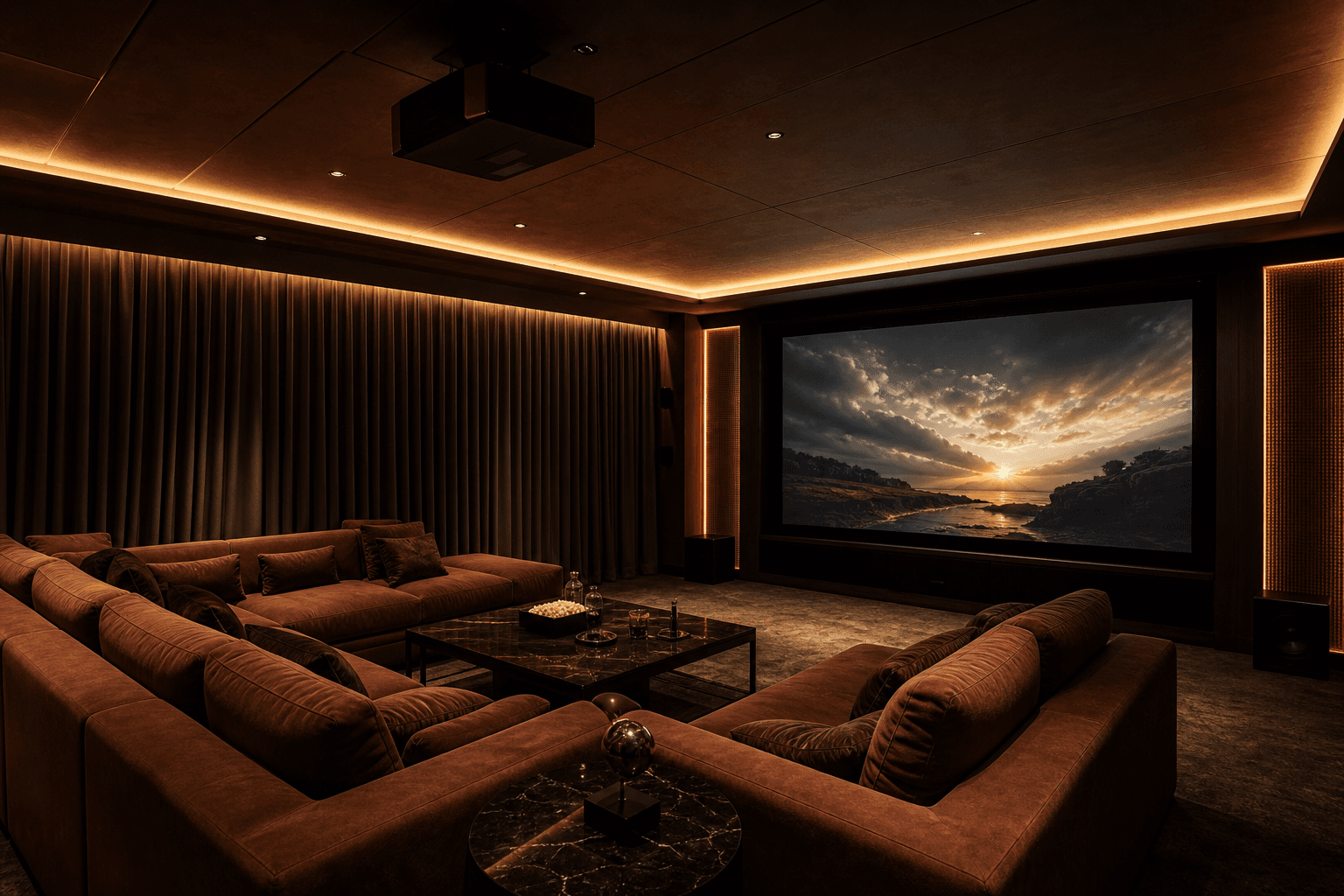
The friction of a normal AV setup
Most home theatre rooms start a film the hard way. There is a remote for the projector, another for the sound, a switch or two for the lights, and a cord or a pole for the curtains. You want to watch, but first you are standing in the middle of the room juggling all of it, turning things on in the right order, then hunting for the light switch in the dark once the film has started. It works, but it is a chore, and a chore in the one room that is supposed to be pure enjoyment. Over time people stop bothering with the full setup, and the room they spent good money on gets used at half of what it can do.
What automation does: the one-touch movie scene
Automation replaces the whole ritual with one button. We save the way you like to watch as a scene, a Movie Night scene, and put it on the wall panel, in the app and on your voice. Press it once and the room does everything together. The lights fade down, the curtains close, the screen comes down and the projector powers on to the right input, and the sound switches to the setting a film needs. There is no order to remember and no second remote to find. You press once, sit down, and the room is ready before you have settled into the seat.
All four happen together, and you are watching within seconds
How a one-touch home theatre scene works
Four things, one press, in the space of a few seconds.
- 01
Press the movie scene
Press the movie scene from the wall panel, your phone or your voice. That one command starts the whole room, so you do not touch a second remote.
- 02
The lights fade and the curtains close
The main lights fade down to a soft glow and then off, while the motorized curtains draw shut so no daylight or street light falls on the screen.
- 03
The screen drops and the projector wakes
The motorized screen comes down, or the television turns on, and the projector powers up and switches to the right input, so the picture is ready and waiting.
- 04
The sound settles and the film starts
The audio system switches on and sets the volume for the room, and the film begins, so you are watching within seconds of that single press.
The room itself: lighting, seating and comfort
A great home theatre is more than the screen. The lighting is layered, so the same room can be bright for cleaning, warm for a chat before the film, and almost dark for the film itself, all from saved settings rather than a single harsh switch. The seating is placed for the screen and the sound, so every seat gets a good picture and a good listen. And the small comforts, the step lights that guide you in the dark, the temperature that is already right, the glare that has been designed out, are the things you never notice when they are done well and always notice when they are not. Automation is what lets all of these move together on cue instead of being set by hand.
Bright, warm or near dark, each a saved setting for the moment.
Placed for the screen and the sound, so every seat is a good one.
Step lights, cool air and no glare, handled before you ask.
It connects to the rest of the home
The theatre is not an island. Because it is part of one Onwords Living Home, the movie scene can reach past the four walls of the room. When the film starts, the doorbell can go quiet and the hallway outside can dim so nobody spills light through the door. And the room can react to what you do inside it. Pause the film and the lights rise gently to a low level, enough to walk to the kitchen without anyone reaching for a switch, then fall again the moment you press play. When the film ends, the room hands back to your normal house lighting on its own. It behaves less like a set of gadgets and more like a room that is paying attention.
Hit pause and a soft light comes up, then drops again on play.
The scene can quieten the doorbell and dim the hallway outside.
Plan it into a new room, or add it to one you have
There are two good ways in. If you are building or renovating, planning the theatre early is the ideal, because the wiring for the screen, the projector, the speakers and the curtains can be run inside the walls before they are closed up, and the result is clean with nothing on show. If the room already exists, that is fine too. Automation is a layer that goes on top of what you have, so we bring your existing screen, projector, television and speakers into one system and add the control and the motorized parts around them. Either way the outcome is the same one-touch room, whether we planned it from the slab or fitted it into a space you already love.
Building fresh, or upgrading a room you have? We have a path for both.
How Onwords designs home theatre rooms
We start with how you actually watch, then design the room around it. We map the space, the seating and the light, plan the wiring and the devices, and build the scenes that run it all, so the finished room does the right thing on one press. We work with the screen, projector and speakers you already own wherever we can, and where something cannot be controlled we tell you before you spend. The theatre is designed as one part of your Onwords Living Home, so it talks to the rest of the house rather than sitting on its own.
Understand the room
We map the space, the seating and the light, and how your family likes to watch.
Design and wire
We plan the devices, the wiring and the motorized curtains and screen, new build or retrofit.
Build the scenes
We save Movie Night, pause and lights-up as scenes, then hand over so the whole family can use it.
When you are ready, the next step is simple. Tell us about your room and get a smart home quote, and we will design a home theatre you run with a single touch.
FAQ
Home theatre automation means the lights, curtains, screen, projector and sound in your cinema room all work together on one command instead of on separate remotes. Rather than setting the room up by hand every time, you press one button and the room arranges itself for a film. It is the difference between a room that happens to have a big screen and a room that behaves like a proper cinema.