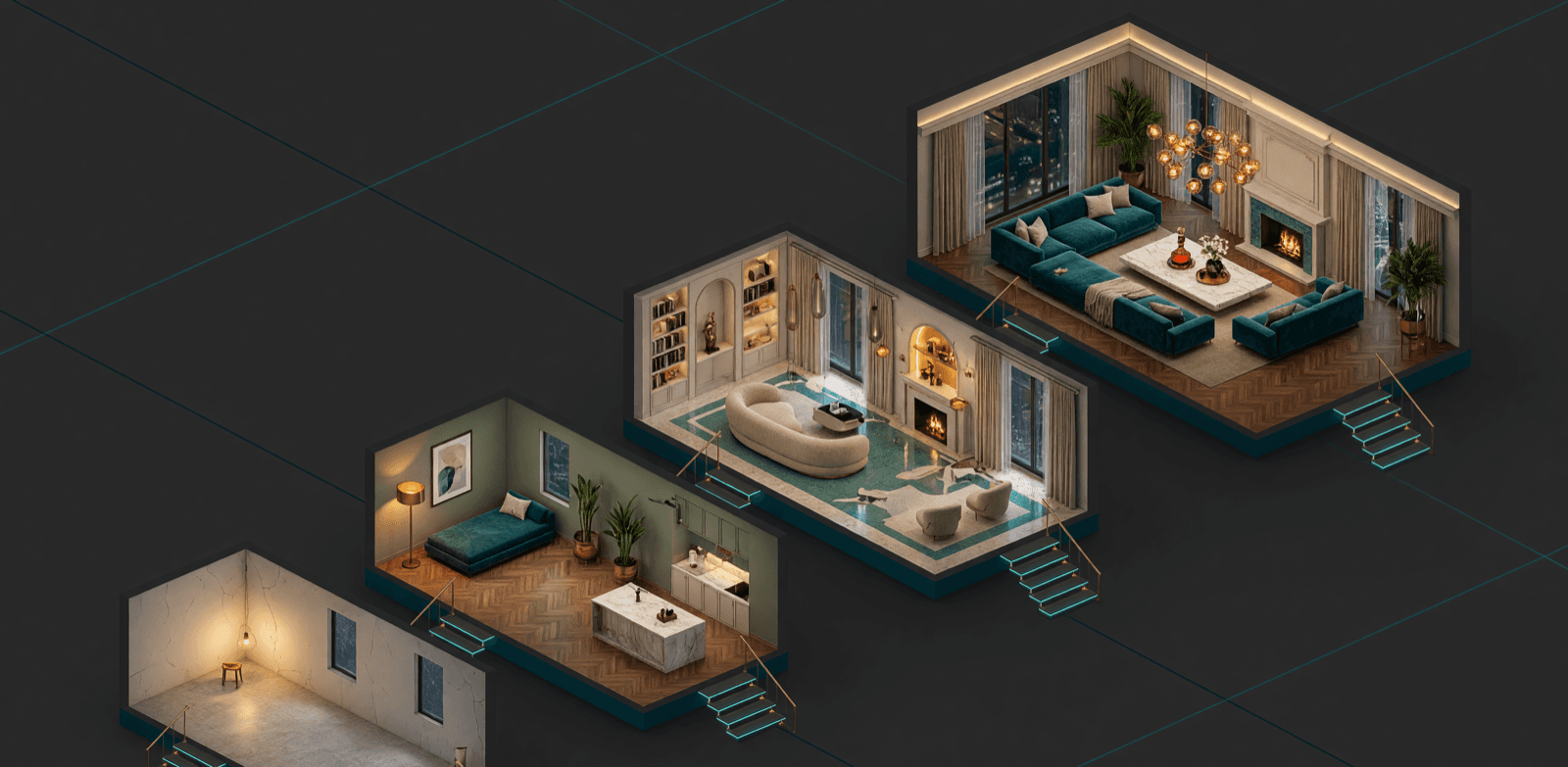
Rung 1: WiFi retrofit
₹50,000 to ₹2 lakh
How it works, in plain words
A small module goes behind your existing switch plate and joins your home WiFi, exactly like your phone does. Your switches keep working by hand, and the app becomes a second way to press them. Nothing is rewired, no wall is broken, and a 2-3 BHK is usually done in 3 to 7 days. We use our own Onwords WiFi product lineup plus retrofit modules, so the hardware and the support come from the same team.
Strengths
- Cheapest way into a smart home, and the only one that suits a rental
- Zero civil work, zero rewiring, the walls stay as they are
- No hub to buy, the router you already own is the network
- Works with Alexa, Google Assistant and Siri from day one
- Moves with you if you shift house
Honest weaknesses
- It shares your router with phones, TVs and laptops, so a weak or crowded WiFi becomes a weak smart home
- At Tier 1 you get app control and schedules, not true automation. The house does not act on its own
- Past roughly 40 switched loads, reliability starts to wobble
- When the internet drops, remote and voice control go with it
Who should pick it: anyone with finished walls, a first smart home, a rented flat, or a budget that has to stay under ₹2 lakh.
Rung 2: Z-Wave mesh with touch panels
₹2 lakh to ₹6 lakh
How it works, in plain words
Z-Wave devices talk on their own low-power radio, not on your WiFi. Every mains-powered device also relays for its neighbours, so the signal hops around the house instead of begging one router for attention. Add premium touch panels on the wall and sensors in the rooms, and this is the rung where Living Home OS enters, which is when the home stops waiting for taps and starts acting on its own.
Strengths
- Dedicated radio, so it never fights your WiFi for airtime
- Self-healing mesh, devices relay for each other and cover the whole home
- Battery sensors that last years, not weeks
- Premium touch panels for people who still want a wall to press
- Living Home OS starts here: home AI, presence, schedules, local control
- Still wireless, so finished homes can have it
Honest weaknesses
- Device cost is higher than WiFi, per point and across the home
- You need a hub, it is not a plug-and-play router-only setup
- Fewer brands to shop from than the WiFi world
- Still radio, so very thick or metal-heavy structures need planning
Who should pick it: 2-4 BHK apartments and independent homes with finished walls that want reliability beyond WiFi and a home that genuinely automates.
Rung 3: KNX, the wired global standard
₹4 lakh to ₹30 lakh
How it works, in plain words
KNX is plumbing for control. A dedicated green bus cable runs to every switch, sensor and panel, and the devices talk to each other over that wire. No radio, no router in the path. It is an open worldwide standard, so a KNX dimmer from one brand and a KNX sensor from another still work together, and you are never trapped with one vendor. Onwords is a KNX partner and wires it before plastering, with Living Home OS layered on top.
Strengths
- 30+ year infrastructure, the standard European villas are built on
- Completely independent of WiFi and the internet
- Open standard, multi-vendor, no lock-in
- Scales without pain: lighting scenes, AC zones, curtains, security
- Rock solid at high load counts where wireless would strain
Honest weaknesses
- It needs new-build wiring. Bus cable has to be pulled before plastering, so a finished house cannot take it without breaking walls
- Engineering cost is real. Someone has to design and program the system, and that labour sits in the quote
- Higher day-one price than any wireless tier
- Changes after handover need a programmer, not a phone tap
Who should pick it: new-build villas and large homes still at the wiring stage, where the system has to last as long as the building. Full detail in our KNX villa project guide.
Rung 4: Crestron, the luxury ecosystem
₹25 lakh to ₹60 lakh
How it works, in plain words
Crestron is one company supplying the whole chain: processors, touchscreens, keypads, shading motors and the AV distribution that pushes video and audio to every room. Because one brand owns all of it, everything answers to a single interface, and a dealer programs that interface to your house rather than handing you a generic app. Onwords is an authorized Crestron dealer, and Living Home OS bridges it to Iniyal on top.
Strengths
- One remote and one interface for AV, lighting, shading and climate
- Cinema-grade rooms and whole-home audio and video distribution
- Bespoke interfaces designed around your family, not a stock app
- The system boardrooms, yachts and the world's most expensive homes run
Honest weaknesses
- Premium pricing, it starts where most whole-home budgets end
- Dealer-programmed, so changes go through a certified programmer rather than a settings screen
- Single-brand ecosystem, which is the price of everything matching
- Below roughly ₹25 lakh, the KNX and Z-Wave rungs give you more per rupee
Who should pick it: luxury villas and estates with dedicated AV or cinema rooms, where a flawless unified experience matters more than the invoice. More in our Crestron in India guide.
Radio vs wire, in plain English
Every rung on this ladder is either a radio system or a wired one, and that single choice decides most of what follows.
Radio (WiFi, Z-Wave)
Devices shout across the air. Nothing has to be pulled through a wall, so a finished home can become smart in a week. The trade is that air is shared: walls, distance, neighbours and every other gadget in the building are all competing for the same space. WiFi shares that space with your phones and TVs. Z-Wave gets its own quieter lane and lets devices relay for one another, which is exactly why it costs more and behaves better.
Wire (KNX, Crestron)
Devices are joined by a cable, so the message always arrives. Nothing to interfere with, nothing to congest, nothing that degrades when your neighbour installs a new router. The trade is timing and money: the cable has to exist before the plaster goes on, and someone has to engineer it. That is why wired systems are a new-build decision and wireless is a today decision. Same outcome on the wall switch, very different decade behind it.
We go deeper on this in wired vs wireless home automation.
The budget ladder, side by side
Onwords works across four technology tiers, so one company covers every budget:
| Tier | Budget | Technology | Best for |
|---|---|---|---|
| 1 | ₹50,000 to ₹2 lakh | WiFi Retrofit (Onwords own WiFi lineup + retrofit modules) | Existing homes, rentals, first smart home. No rewiring, no civil work. |
| 2 | ₹2 lakh to ₹6 lakh | Z-Wave mesh + premium touch panels | 2-4 BHK apartments and independent homes that want reliability beyond WiFi. |
| 3 | ₹4 lakh to ₹30 lakh | KNX (wired, the global standard) | New-build villas and large homes. 30+ year infrastructure. |
| 4 | ₹25 lakh to ₹60 lakh | Crestron (authorized dealer) | Luxury villas and estates: unified AV, lighting, shading, climate. |
Ranges overlap because home size drives cost more than technology does. The full package-by-package breakdown lives in our smart home packages guide for Tamil Nadu.
Living Home OS rides every rung from Tier 2
The second USP
The second USP: from Tier 2 onwards, every Onwords home runs Living Home OS, our own software layer. That is what turns device control into a real smart home: home AI (Iniyal), true automation that acts on its own (presence, schedules, sensors, learning), one app for the whole family, and the system keeps working locally even when the internet is down. Most competitors stop at "control from your phone". We ship a home that thinks.
Migration: start on WiFi, move up without losing everything
Most homes do not jump straight to the top of the ladder, and they should not have to. The ladder is designed to be climbed, not chosen once and regretted.
Start where you live now
WiFi retrofit on the rooms you use most: entry, living, master. Under ₹2 lakh, no walls touched, running in under a week.
Add the brain, keep the devices
Move up to Z-Wave for the backbone and bring Living Home OS in. Your WiFi devices stay in the system, and the scenes you already built keep working.
Rebuild or renovate onto wire
When you build or gut-renovate, put KNX in before the plaster, and Crestron on top if the AV brief calls for it. Living Home OS carries your automations across.
- Living Home OS is the constant. Your scenes, schedules and family app survive every change of protocol underneath
- WiFi devices from Tier 1 can stay in the home after a Z-Wave upgrade, usually in the rooms where they matter least
- The one move that cannot be undone cheaply is skipping bus cable in a new build. If the walls are open, pull the cable even if you install later
- One company at every rung means the upgrade is a design change, not a fresh vendor hunt
How to pick your rung on the ladder
- 1
Check your walls
Finished walls mean wireless (WiFi or Z-Wave). Under construction means every rung is open, including wired KNX and Crestron.
- 2
Count the loads
Up to about 40 switched loads, WiFi retrofit holds. Beyond that, mesh (Z-Wave) or bus (KNX) keeps it reliable.
- 3
Decide the automation depth
Phone control is fine on WiFi. A home that acts on its own needs Living Home OS, from the Z-Wave tier upward.
- 4
Price the decade, not the install
KNX and Crestron cost more on day one and less over 15 years. WiFi is cheapest today and most likely to be replaced twice.
FAQ
They solve different problems. KNX is open wired infrastructure for lighting, climate and shading, strongest on longevity and vendor freedom. Crestron is a single-brand luxury ecosystem, strongest on unified AV, touch interfaces and cinema rooms. Large estates often run both, KNX as the backbone and Crestron for AV and control.
Keep reading
Smart Home Packages in Tamil Nadu
Four packages priced from ₹50K to ₹60L, with what each one includes.
Wired vs Wireless Home Automation
The deeper version of the radio vs wire trade-off above.
KNX Villa Project Guide
How a KNX villa is planned, wired and commissioned, stage by stage.
Crestron Home Automation in India
What Crestron costs here, and when KNX is the smarter buy.
KNX Home Automation in India
The 2026 cost picture, the installation process end to end, and the KNX brands sold here.
Onwords Living Home OS
The software layer and home AI that rides on every tier from 2 upward.